The forked pathway
A student finishes the core questions, and what happens next is decided by what they just did. This page stays with that one decision and shows how it was made.
Two people, one decision
Both jobs start at the same moment, and separate only in what each person wants from it.
a student finishes the core questions…
I want to know whether to challenge or support them next,
so thatI don’t waste their time on questions they’re not ready for, or bore them with ones they’ve already shown they know.
I want the next questions to match what I actually know,
so thatI don’t feel punished for struggling or bored by repetition.
Core questions, then two ways on
The fork sits at the end of the core set. What a student did there decides which path opens next, so the same lesson serves a student who is ready to stretch and one who needs another way in.
The same section, from the student’s side
A section teaches, then asks. The bar along the bottom carries the three stages, so a student can see where they are inside the section while they are working through it.
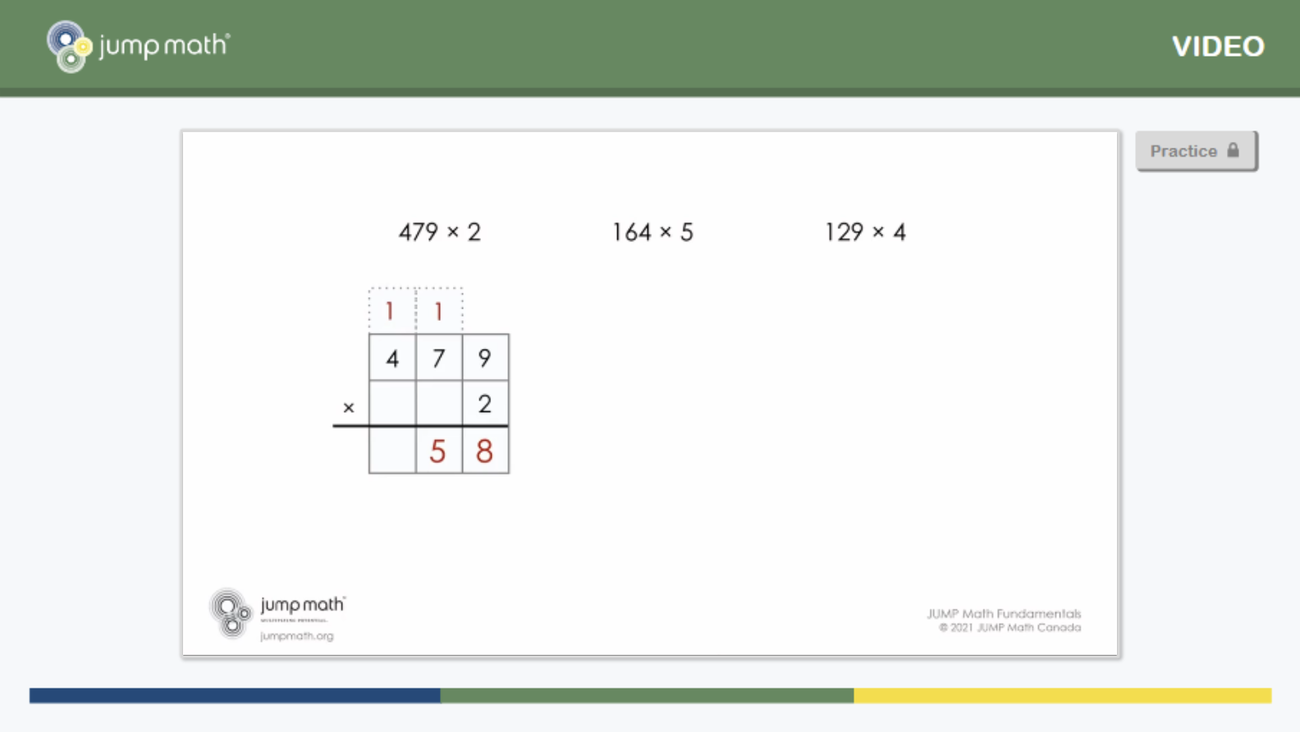
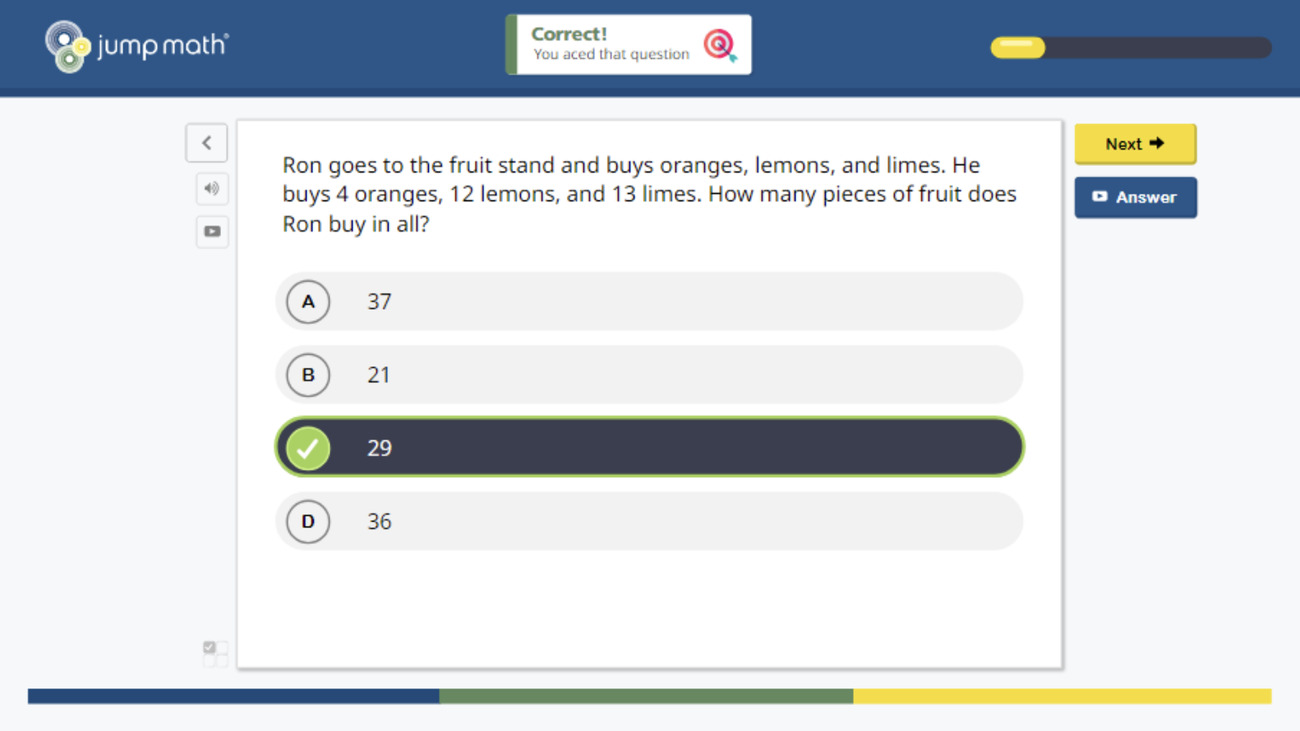
Product screens from JUMP Math Lab. The question content is JUMP Math’s.
One fork, two jobs
The decision is made at the point the evidence exists, so a teacher reads a result and acts on it before the next lesson.
The next questions match what they have shown, so struggling opens a different route rather than the same one again.
How the teacher dashboard changed
Three rounds of Figma prototypes, from a teacher survey and usage data. The question each round had to answer: can a teacher read this and know what to do next lesson?
The student names and answers are invented. These are recreations of the dashboards I designed, rebuilt for this portfolio. No real class data appears.
Where I worked across the lifecycle
From a teacher survey through to the data the dashboards read.